Lighthouse Forms: every submission, straight into your CRM
Lighthouse Forms is live: build a form, put it on your website, and every submission lands in your CRM as companies, people, deals or custom records. Answers fill the fields you map them to, pitch decks are saved to Documents, and your team hears the moment it arrives.
 Jacopo Bonfiglio
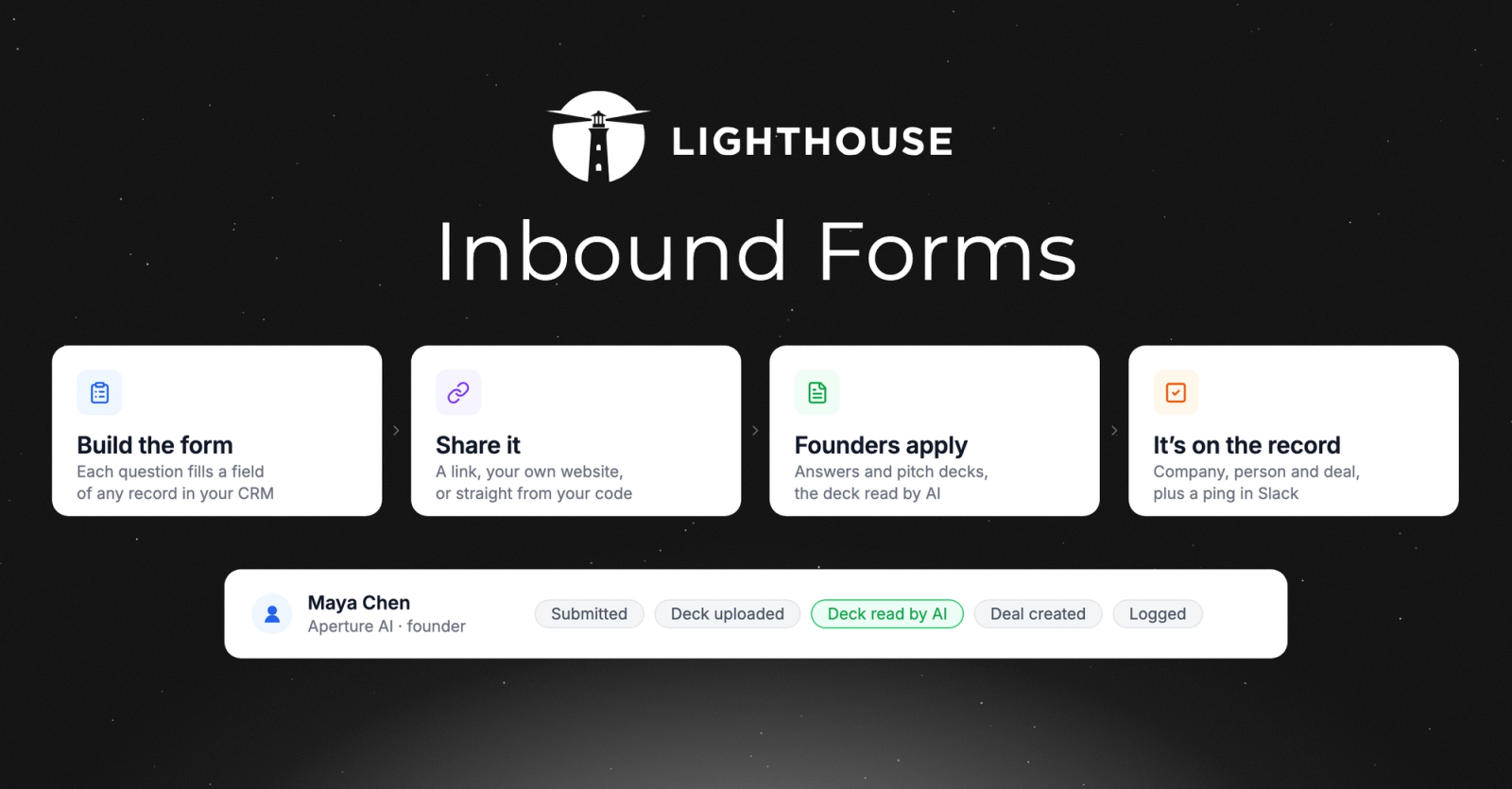
Every fund has a form on its website. A founder fills it in, and then someone on the team reads the notification, creates the company and the founder in the CRM, downloads the deck, files it, and tells everyone else. Until they do, the pitch sits in an inbox.
Lighthouse Forms takes that step out. Build the form in Lighthouse, put it on your website, and every submission arrives as the records you chose. Here's what's new:
- NewPitches arrive as records, not emails
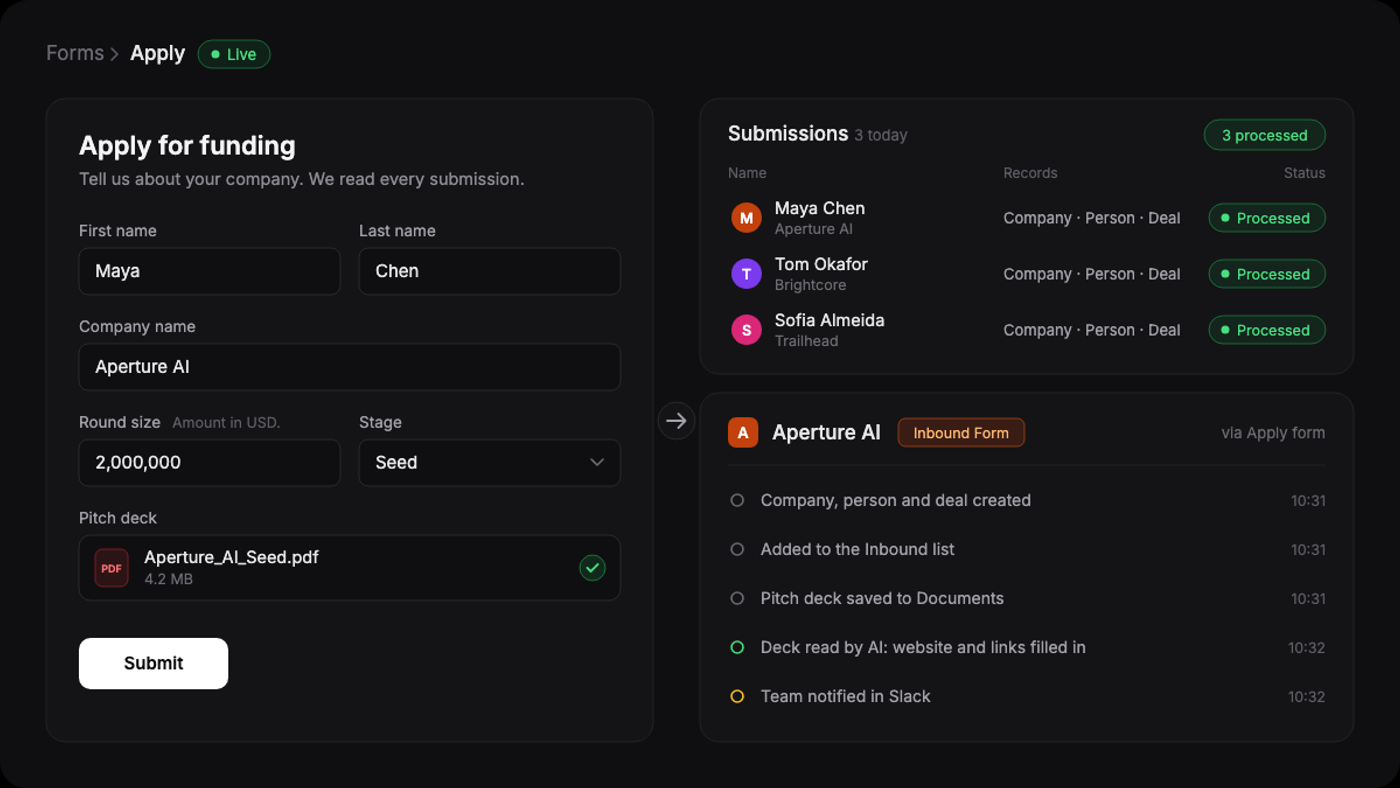
Choose what a submission creates: a company, a person, a deal, or a record of any custom object. Each question fills the field you map it to, every new record joins the lists you pick, and fixed values such as the deal stage are set for you.
- NewCollect pitches on your own website
From the Share tab, send the direct link or paste the iframe snippet into any page of your site. Want it in your own design? Use the ready-made HTML form that sends answers straight to Lighthouse, or send them from your own server with the form's key. Pick from five looks: Light, Dark, Minimal, Rounded or High contrast.
- NewPitch decks filed and read for you
Add a file question and founders can upload their deck, financials or one-pager. Every file is checked for threats, saved to the Documents folder you choose and linked to the company, the people and the deal. The deck is then read to complete the company and its team, with the founder's own answers always coming first.
- NewYour team knows the moment it lands
Every submission emails the form's owner and anyone you add, and can post to a Slack or Teams channel. Submissions from all your forms are also in your Inbox, under Inbound, and a workflow can start on each one.
How it works
Open Settings, then Forms, and click New form. Add your questions: suggested ones such as name, email, LinkedIn, company website and a file upload for the deck, any field of your companies, people, deals and custom objects, or a question of your own. On the Records tab, turn on what each submission creates and the lists it joins. When it's ready, switch the form to Live and publish it from the Share tab.
Before creating anything, Lighthouse looks for the company and the person in your CRM, by their website, LinkedIn, email address and profile in the Lighthouse database. A record you already have is never overwritten: only its empty fields are filled in. A new one is created with every answer, completed from the company's website, LinkedIn and the deck, with Inbound Form in its sources so you always know where it came from.
Why this matters
Inbound is the one deal flow you don't have to go looking for: the founder came to you. It is also the easiest to lose, because it usually arrives as an email from a website form, and someone has to copy it into the CRM before anyone can act on it.
With the form running from Lighthouse, there is nothing to copy. The pitch arrives as a company, a founder and a deal, with the deck attached and read, in the list your team already works from. The first person to open it is reviewing a founder, not doing data entry.